
Library
The library browser (accessible from the drawer) has four tabs: Genres, Artists, Albums, and Tracks.
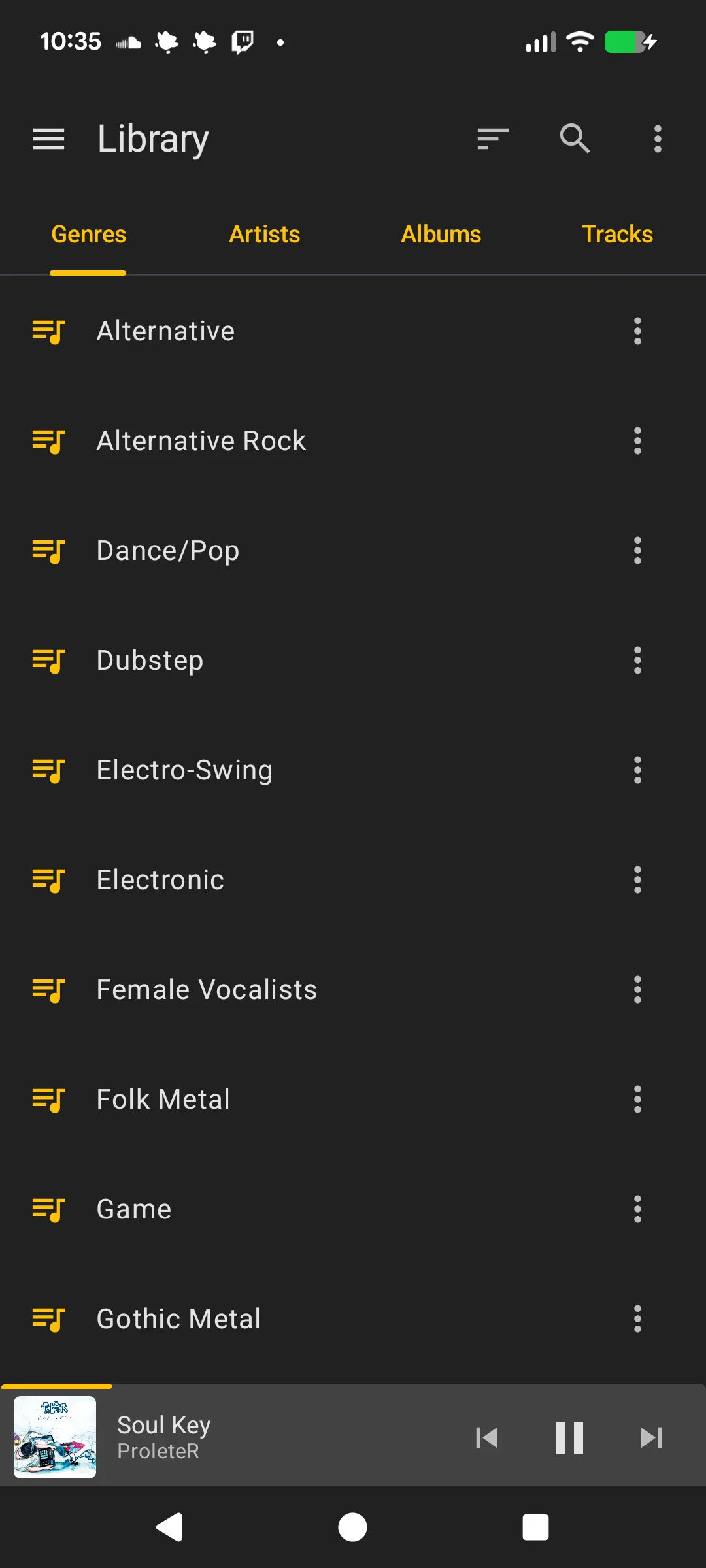
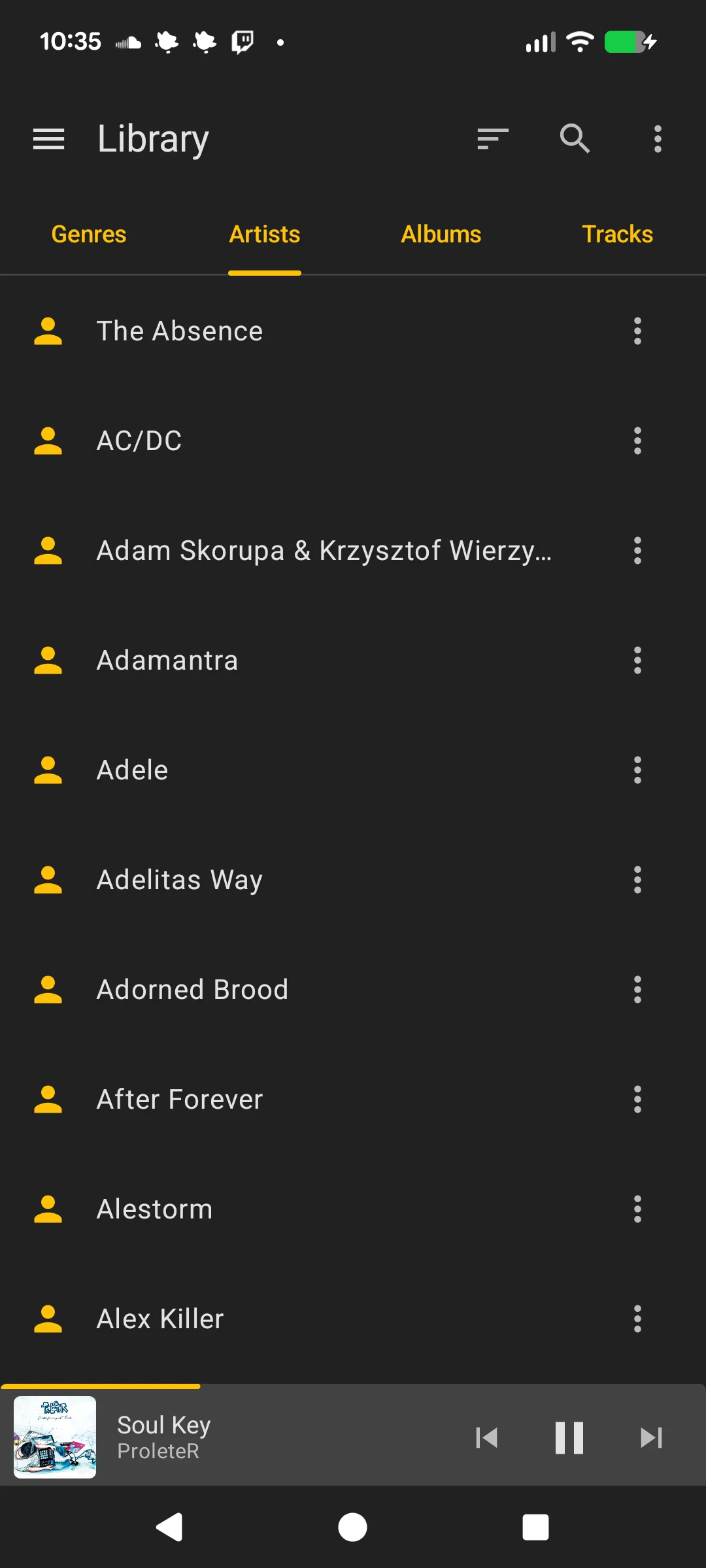
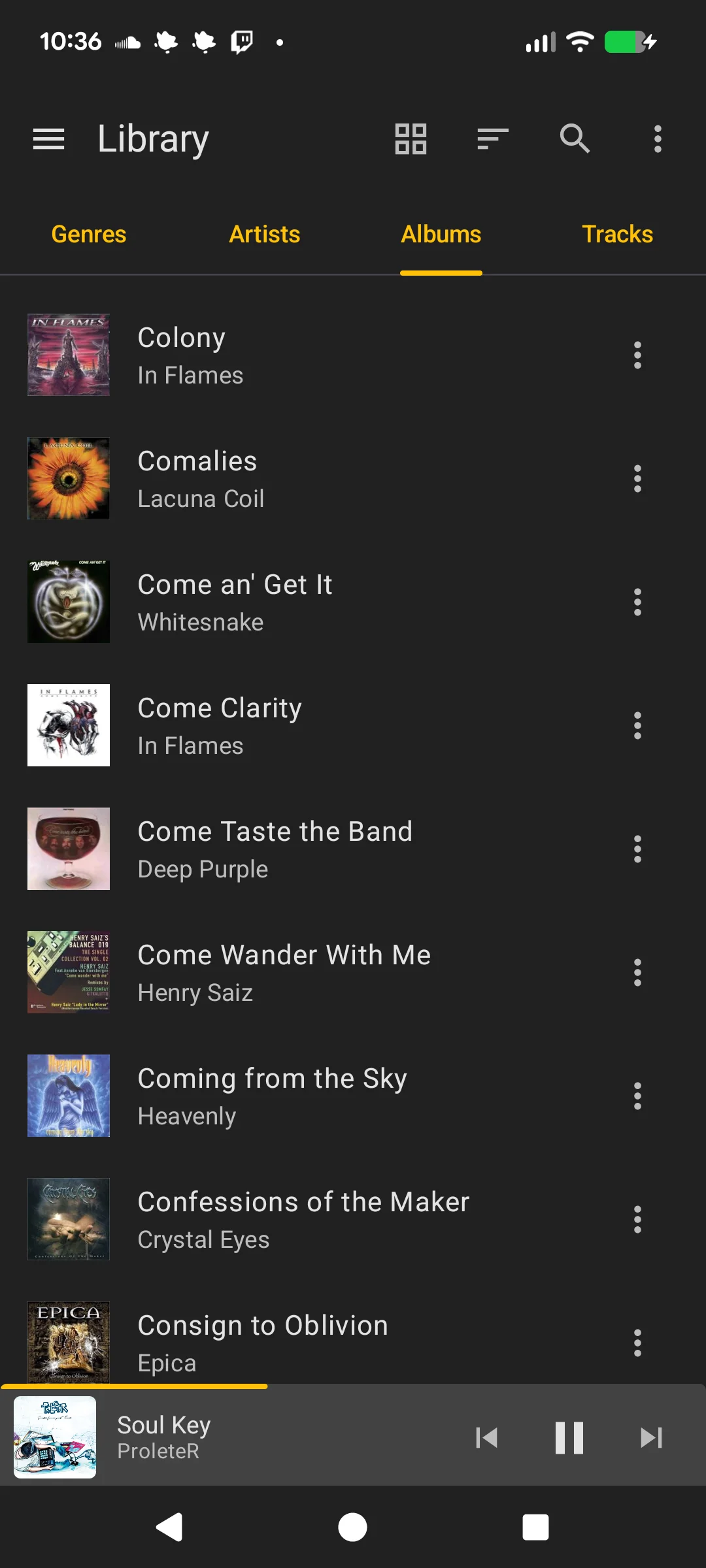
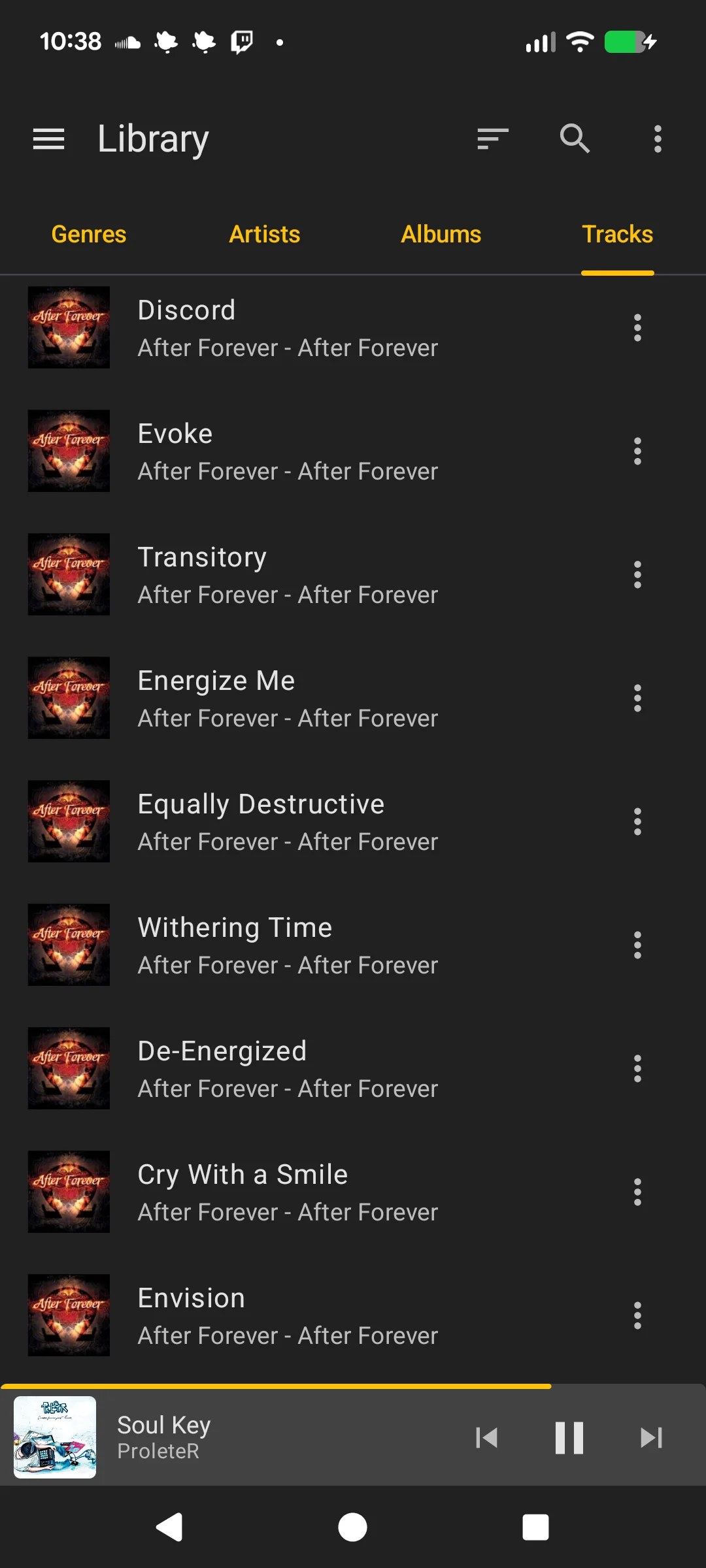
Browsing
Each tab displays your synced metadata. Long-press or use the context menu on any item for actions:
- Play Now: Clear the queue and play
- Queue Last: Add to the end of the queue
- Queue Next: Insert after the currently playing track
- Open: Navigate to the subcategory (not available for tracks)
Track Actions
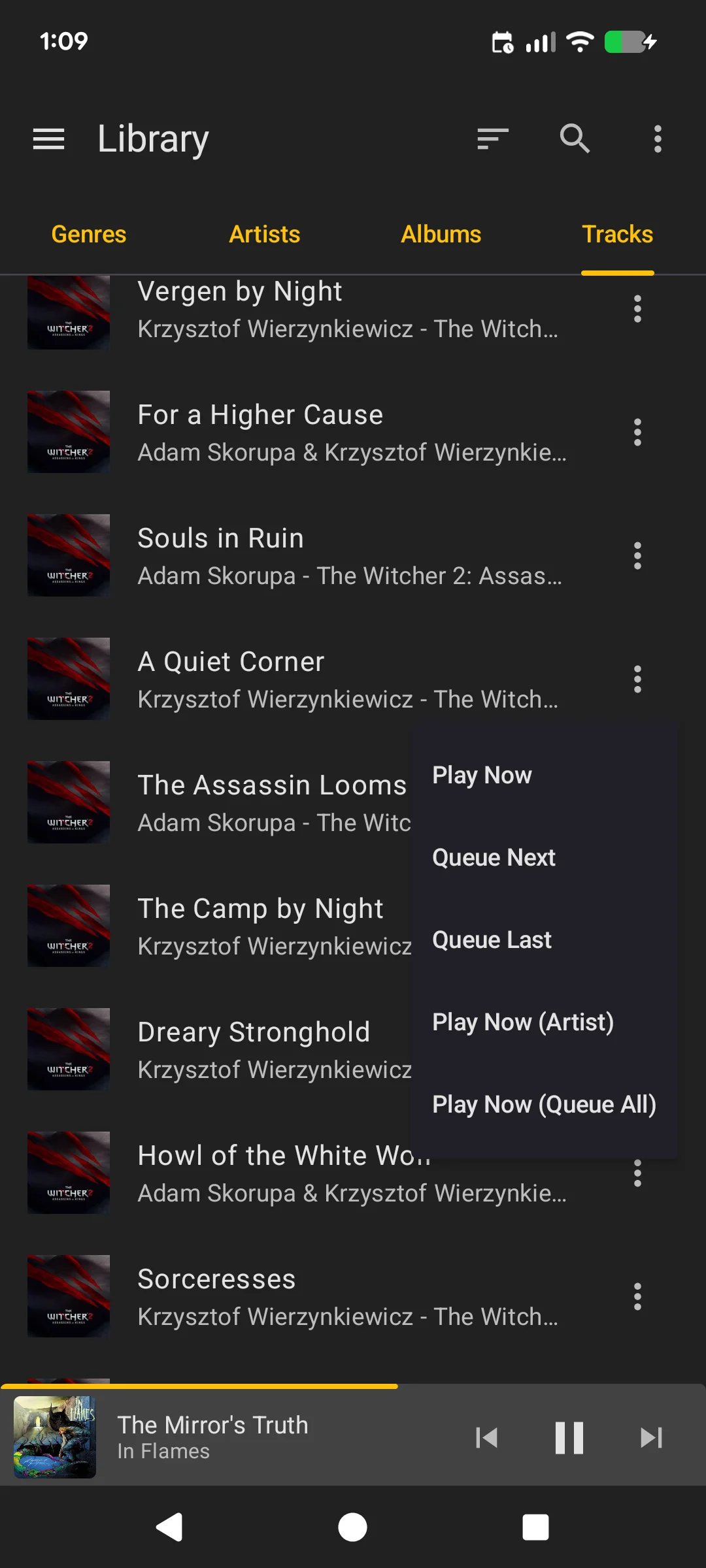
Tracks have additional context menu actions:
- Play Artist: Play all tracks by that artist
- Play & Queue All: Add all matching tracks to the queue
Genre Actions
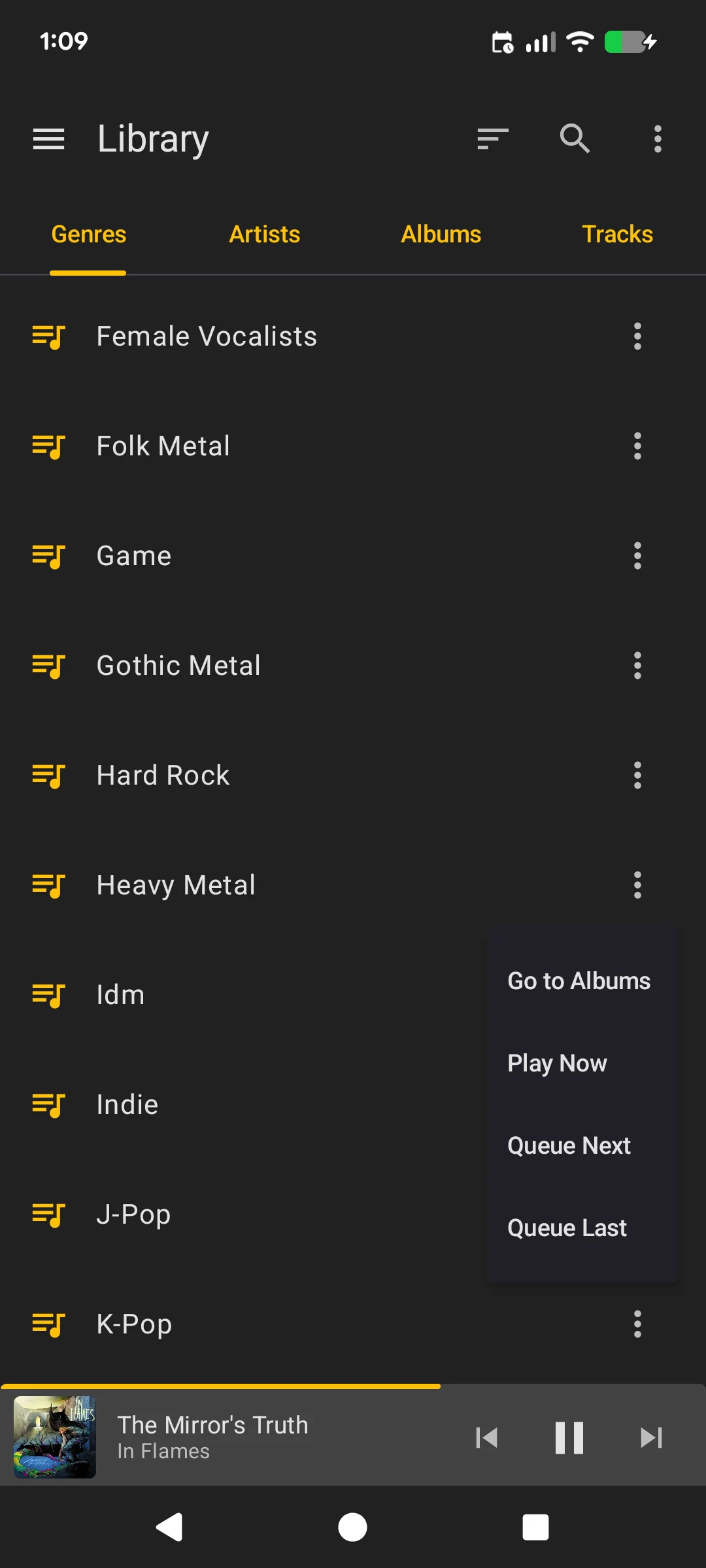
Genres have a Go to Albums action that navigates directly to albums within that genre, in addition to the standard actions.
Library Menu
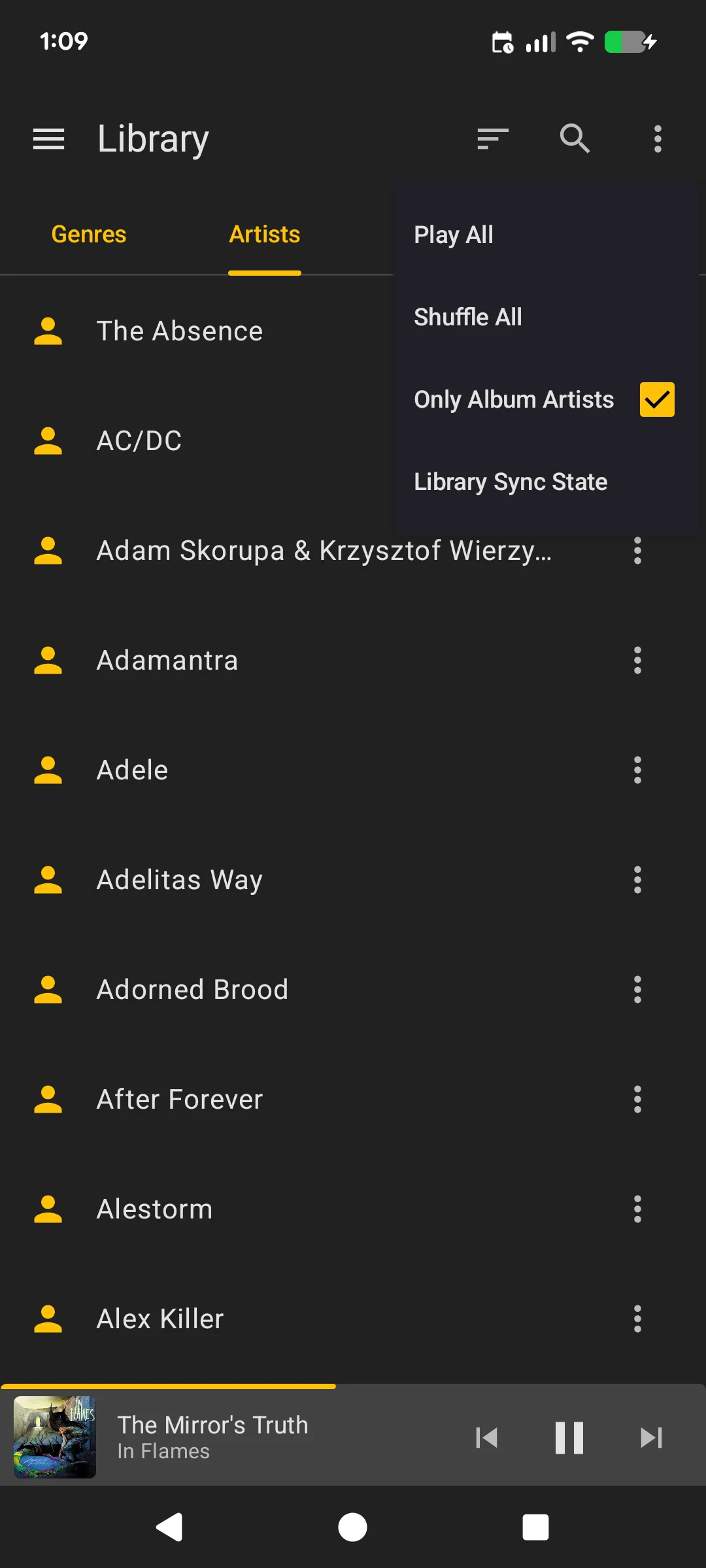
Tap the three-dot menu in the library toolbar for additional options:
- Album artists only: Toggle to show only album artists (hides featured/compilation artists)
- Sync: Refresh library metadata from MusicBee
You can also pull down to refresh on any library tab to trigger a sync.
Sorting
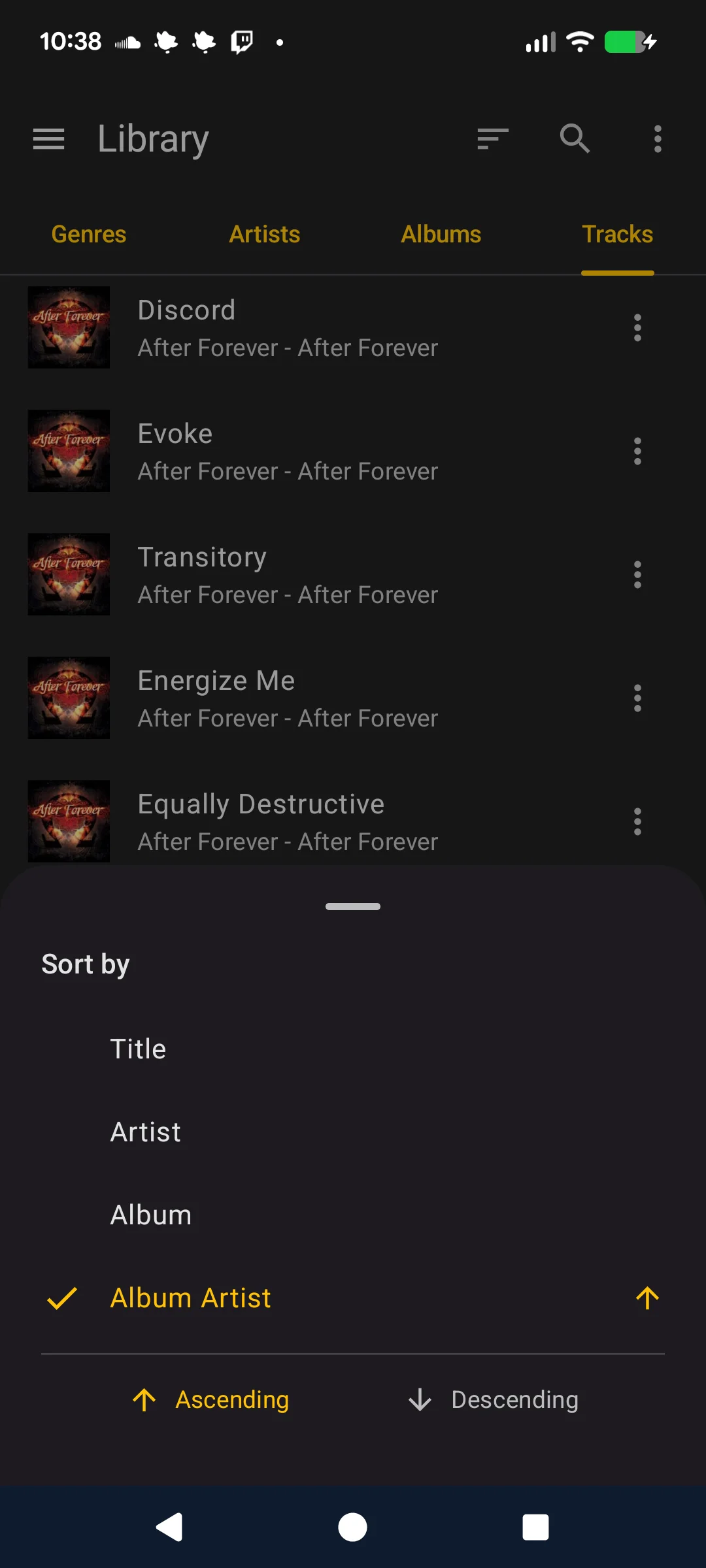
Tap the sort icon in the toolbar to open sort options. Each tab has relevant sort fields (e.g., name, artist for albums) with ascending/descending order.
Grid View
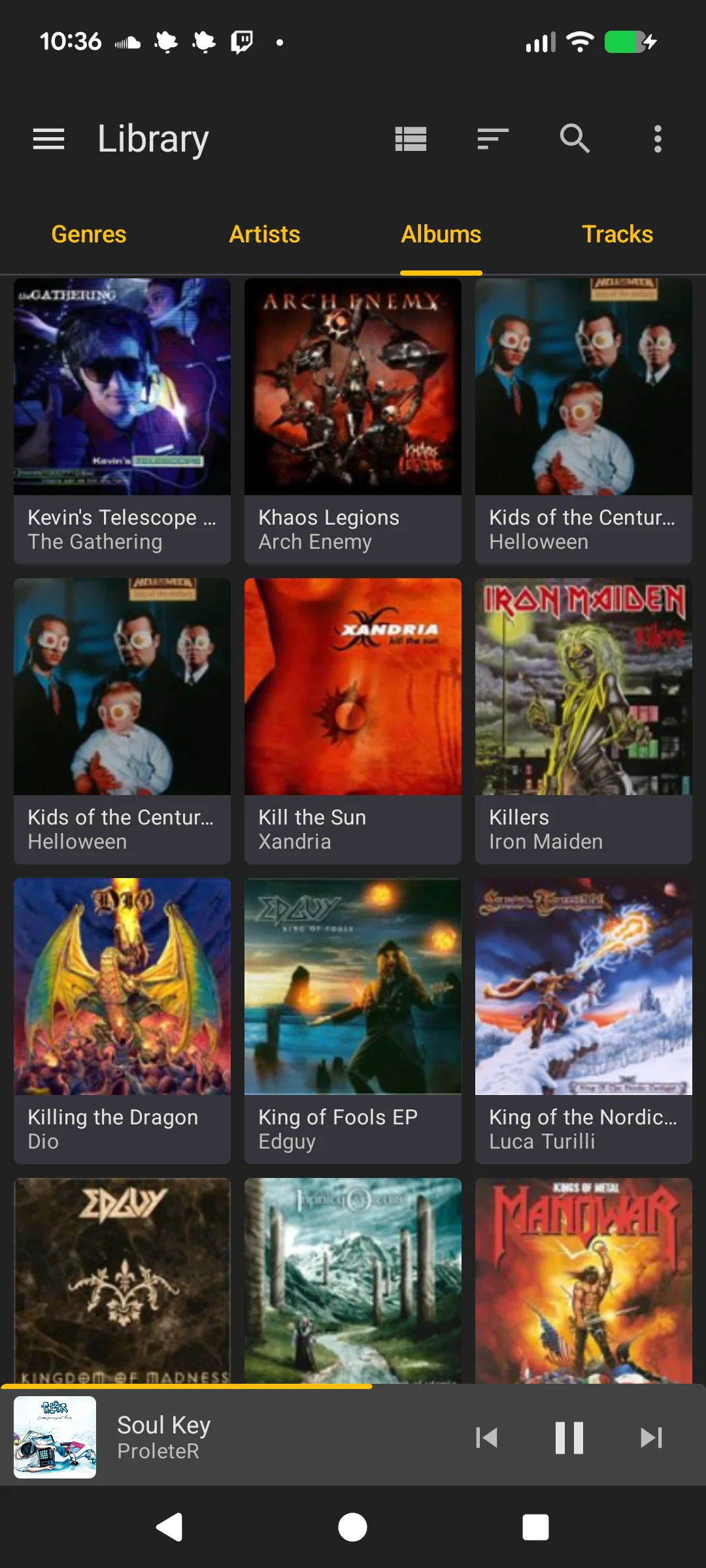
Albums can be displayed in a grid view. This is auto-detected on tablets and can be toggled manually via the view switcher icon in the toolbar.
Drilldowns
Navigate deeper into your library:
- Genre → Artists or Albums in that genre
- Artist → Albums by that artist
- Album → Tracks in that album
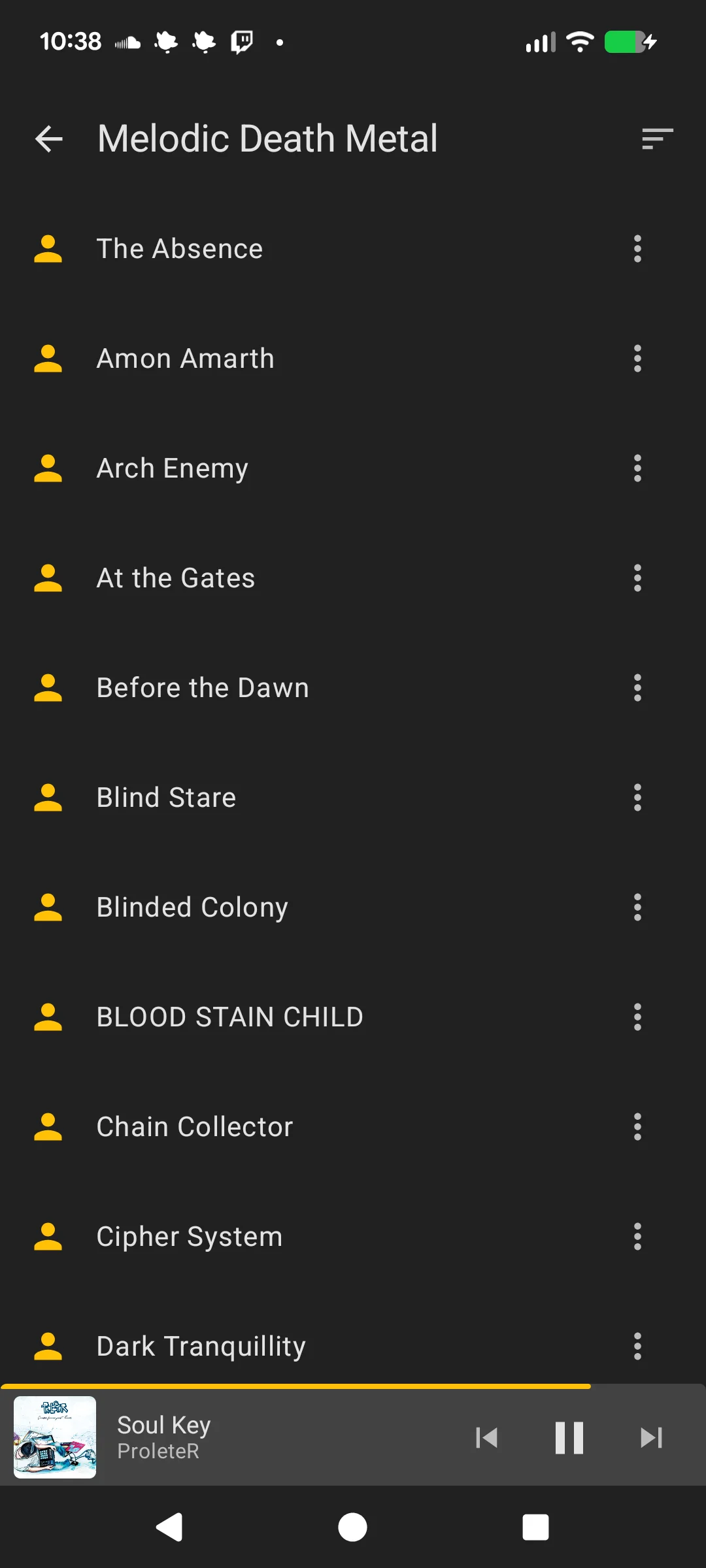
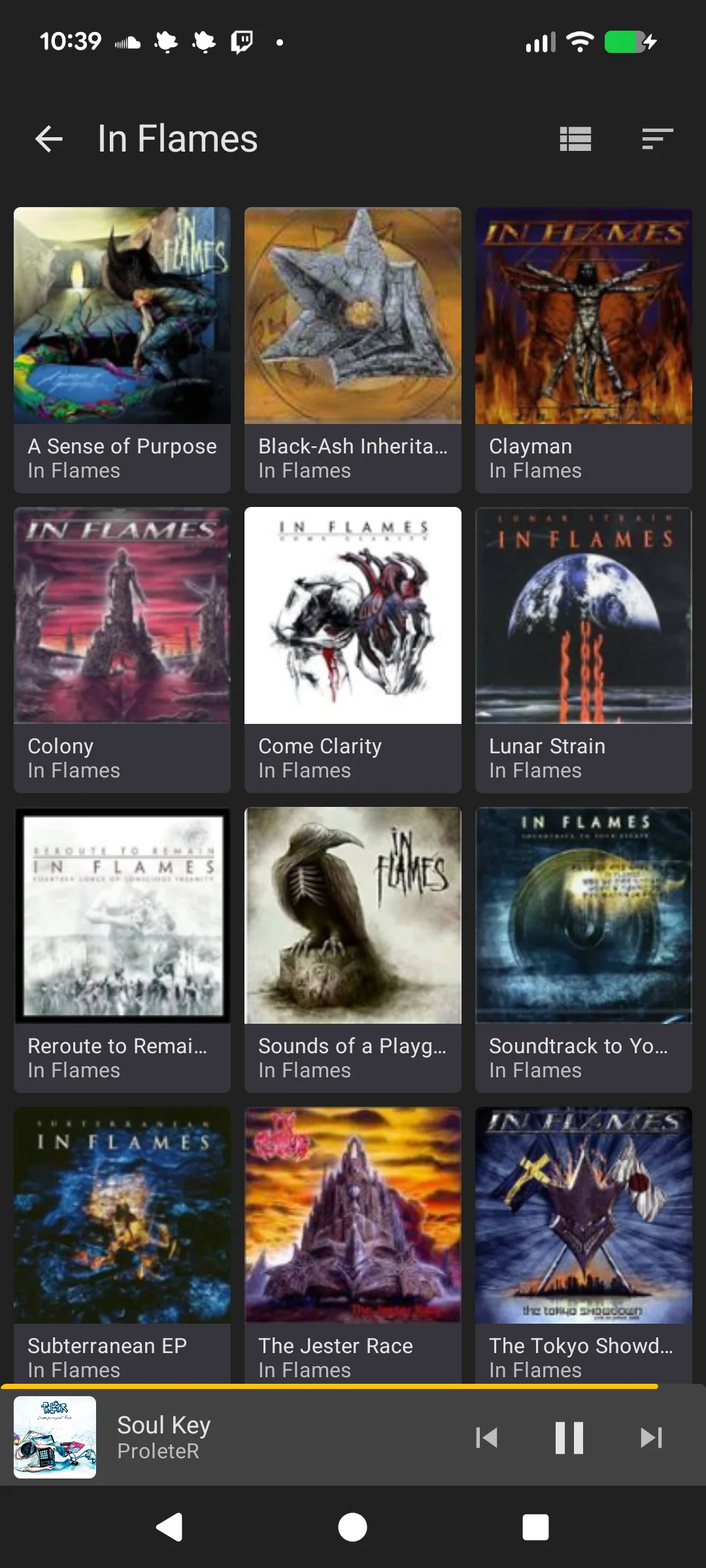
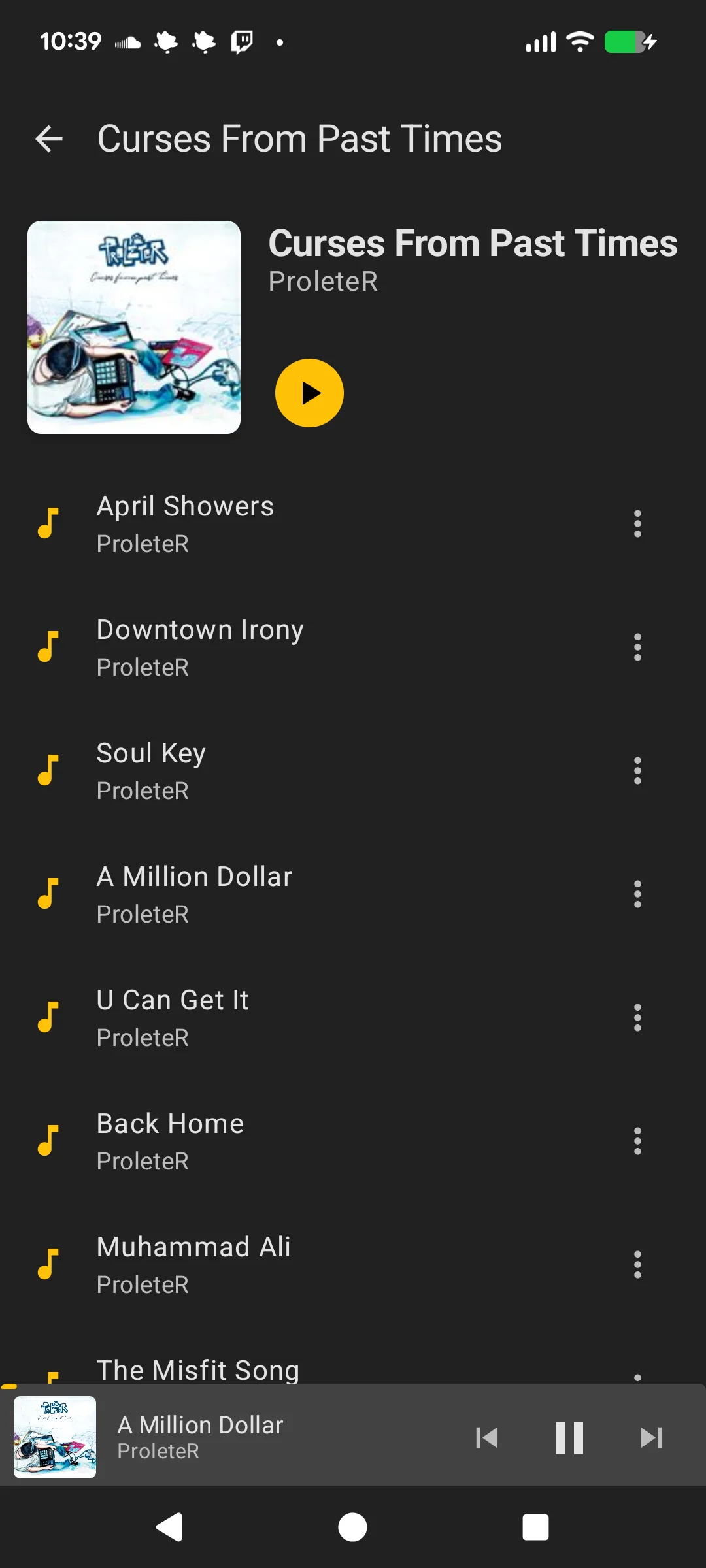
Each drilldown level supports the same sorting and context menu actions.
Syncing
To populate the library, use the Sync option from the toolbar menu or pull down to refresh on any tab. The sync runs in the background with a progress notification showing each category being synced.