
Extras
Mini Control
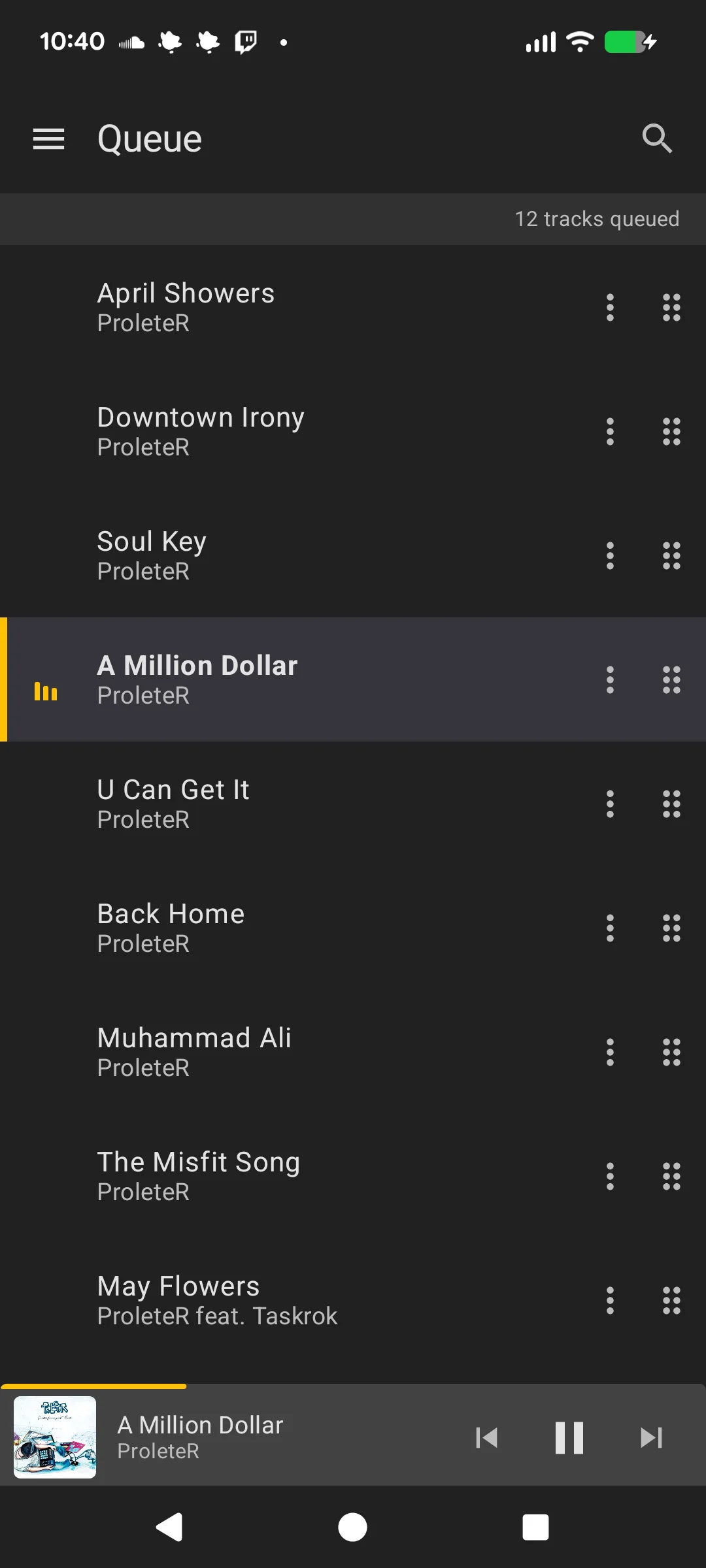
A mini player control bar appears at the bottom of most screens (Library, Playlists, Radio, Queue). It shows:
- Album art thumbnail
- Track title and artist
- Previous, Play/Pause, and Next controls
- A progress indicator (linear bar for tracks, wave animation for streams)
Long-press Play/Pause to stop playback. Long titles scroll the same way they do on the player.
Tap the track info to navigate to the full player screen.
Notification
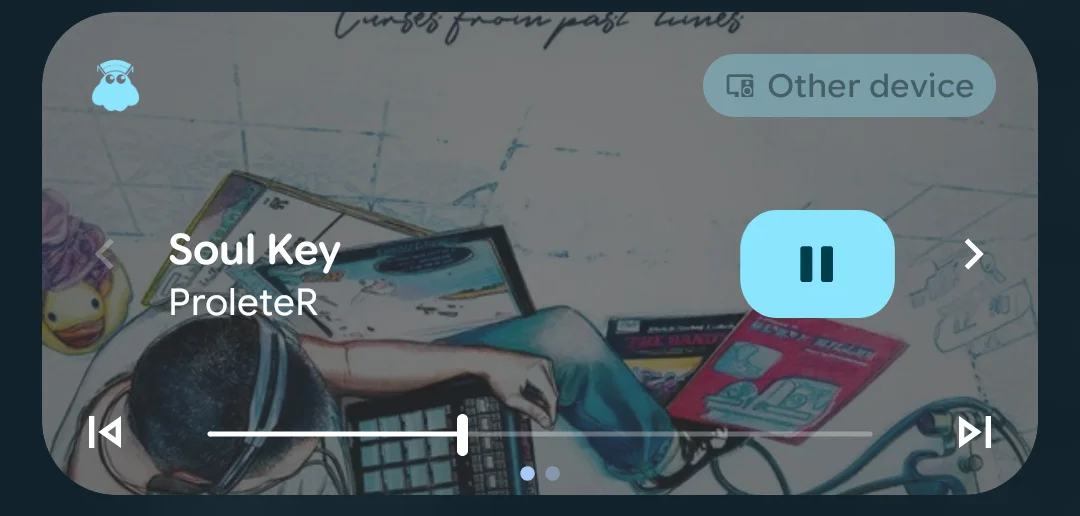
The app provides a media notification with:
- Track info and album art
- Playback controls (previous, play/pause, next)
- Seek bar for playback position
The notification is required for the background service that maintains the connection with MusicBee. To disconnect and stop the service, tap the connection button in the drawer while connected.
When you swipe the app away from your recent apps, the service keeps running only while something is playing, so the notification controls keep working. Otherwise it stops, and the volume keys go back to controlling your phone.
Widget
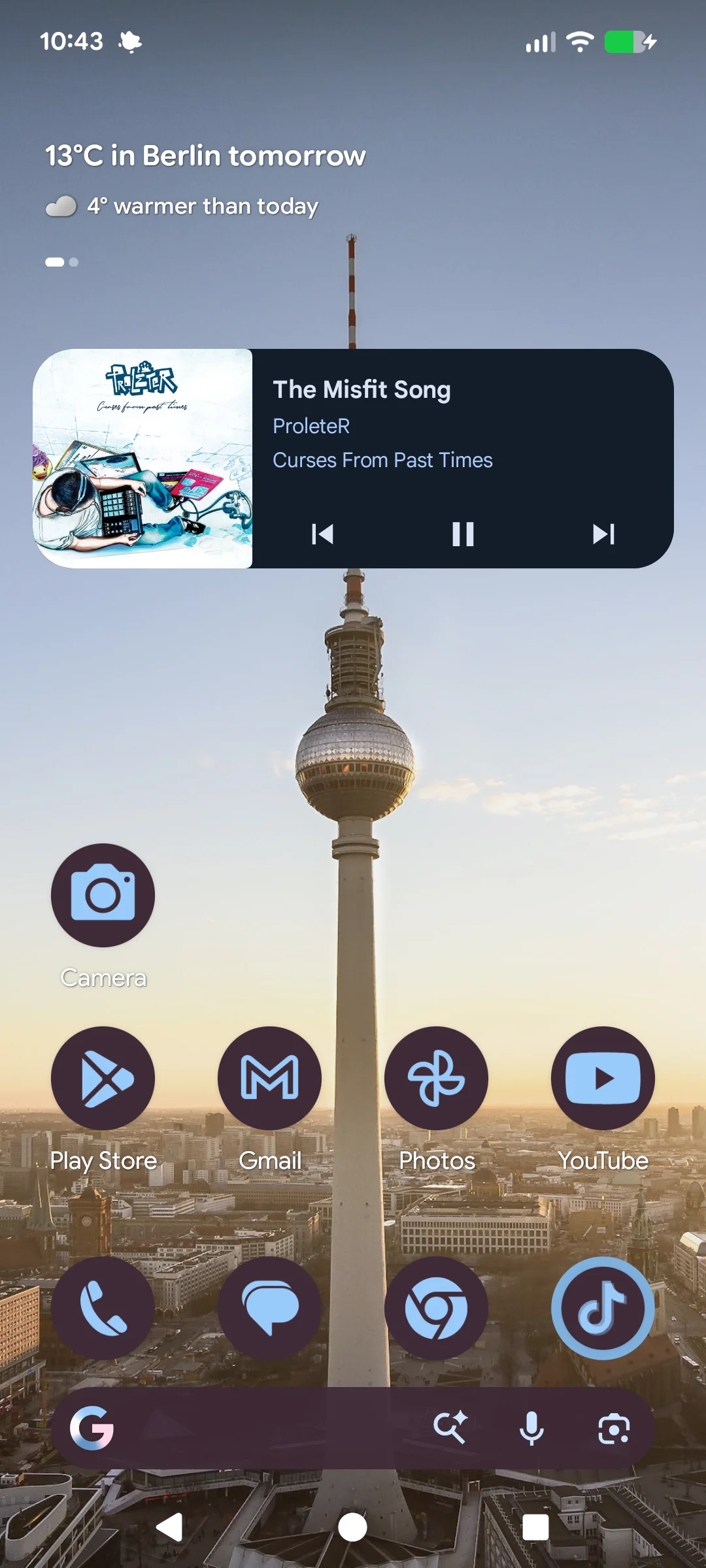
The app includes a resizable home screen widget for quick playback control without opening the app. It shows album art, track info, and playback controls. Long-press the widget to resize it.