
Getting Started
Installation
There are two ways to install the application:
Google Play Store (open testing)
MusicBee Remote is currently available through the open testing channel on Google Play. Anyone with the link can join, and no invitation is required.
- Open the MusicBee Remote listing on Google Play on your Android device.
- Scroll to the Join the beta section and tap Join. It can take a few minutes for your account to be enrolled.
- Once enrolled, install or update the app from the same page. Future updates arrive automatically through Play.
To leave the beta, return to the listing and tap Leave under the beta section. You will then be moved back to the stable track once v1.6.0 is promoted to production.
GitHub Release
Download the latest APK from the GitHub Releases page. Two variants are available:
- GitHub release: Clean build without analytics or crash reporting
- Play release: Includes Firebase Crashlytics for crash tracking
To install, download the APK on your device and enable installation from unknown sources if prompted.
Connection
Automatic Discovery
When you first start the connection, the app automatically attempts to discover the MusicBee plugin on your local network. If a host is found, it connects without requiring any manual configuration.
Navigation Drawer
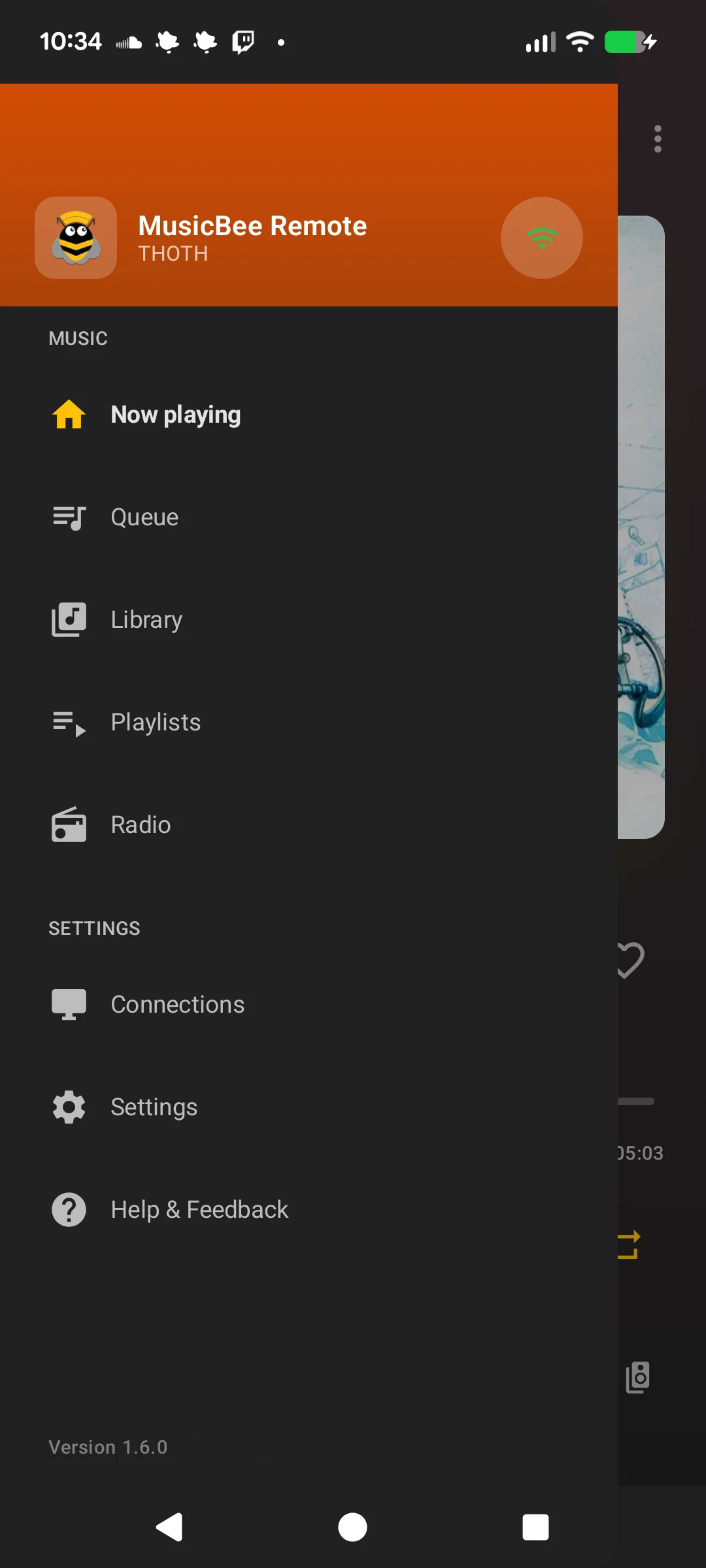
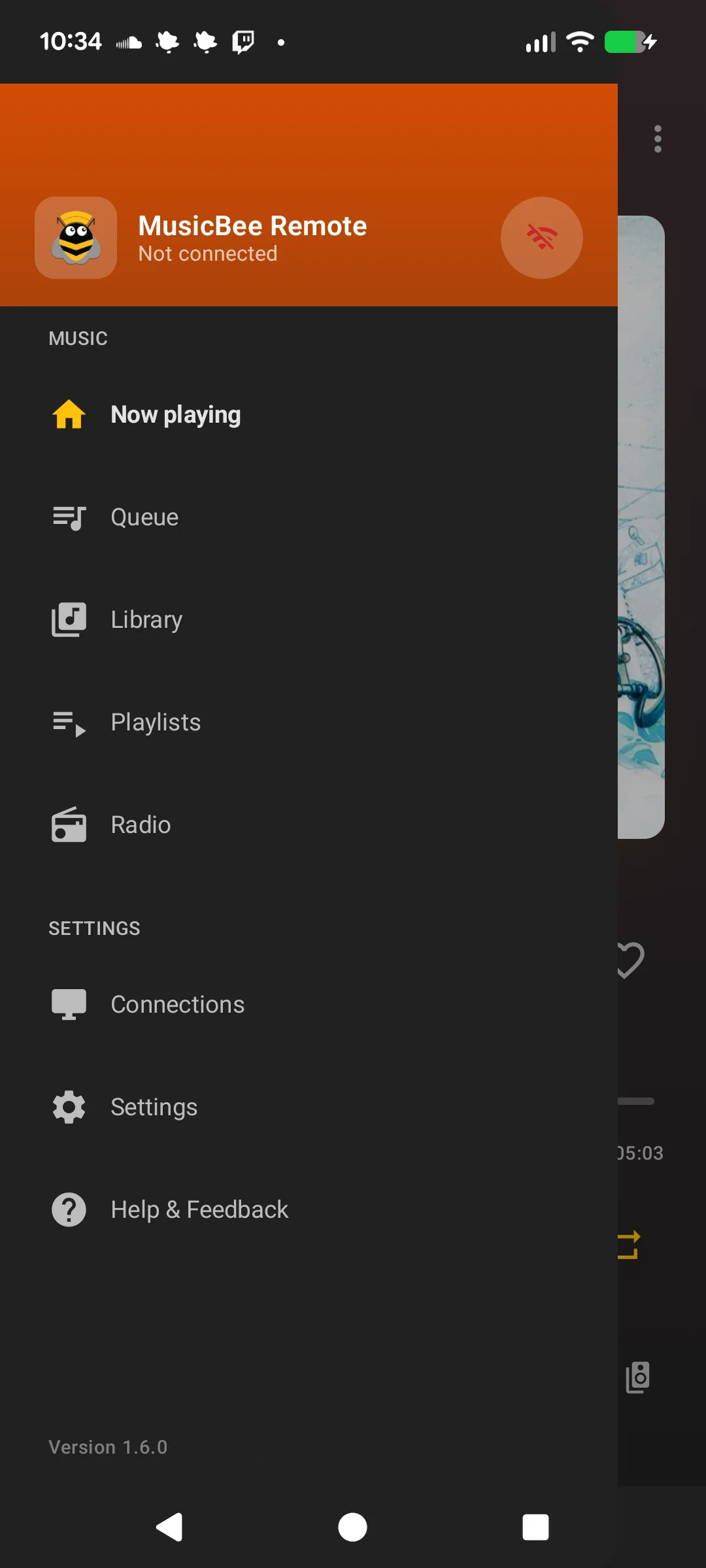
The navigation drawer is the main way to move between screens. At the top, the connection button shows the current status:
- Green: Connected (shows the connection name)
- Animating: Connecting or reconnecting (shows attempt count)
- Grey: Disconnected
Tap the connection button to connect or disconnect. Below it you'll find navigation to all screens: Home (player), Queue, Library, Playlists, Radio, Connection Manager, Settings, and Help & Feedback.
Auto-Reconnect
If the connection drops unexpectedly, the app automatically attempts to reconnect up to 3 times over approximately 45 seconds. The drawer shows reconnection progress. If all attempts fail, the background service stops to conserve battery.