
Extras
Mini Control
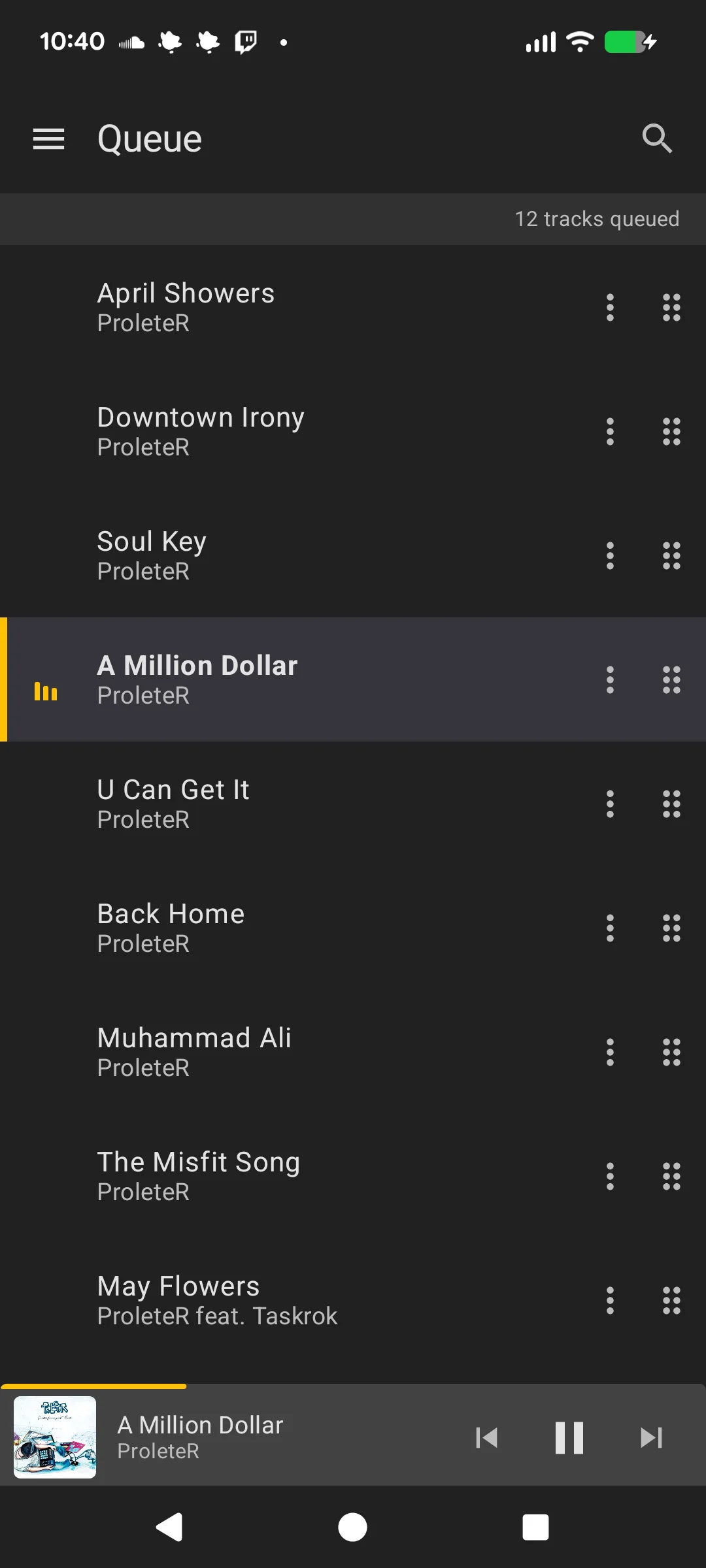
A mini player control bar appears at the bottom of most screens (Library, Playlists, Radio, Queue). It shows:
- Album art thumbnail
- Track title and artist
- Previous, Play/Pause, and Next controls
- A progress indicator (linear bar for tracks, wave animation for streams)
Tap the track info to navigate to the full player screen.
Notification
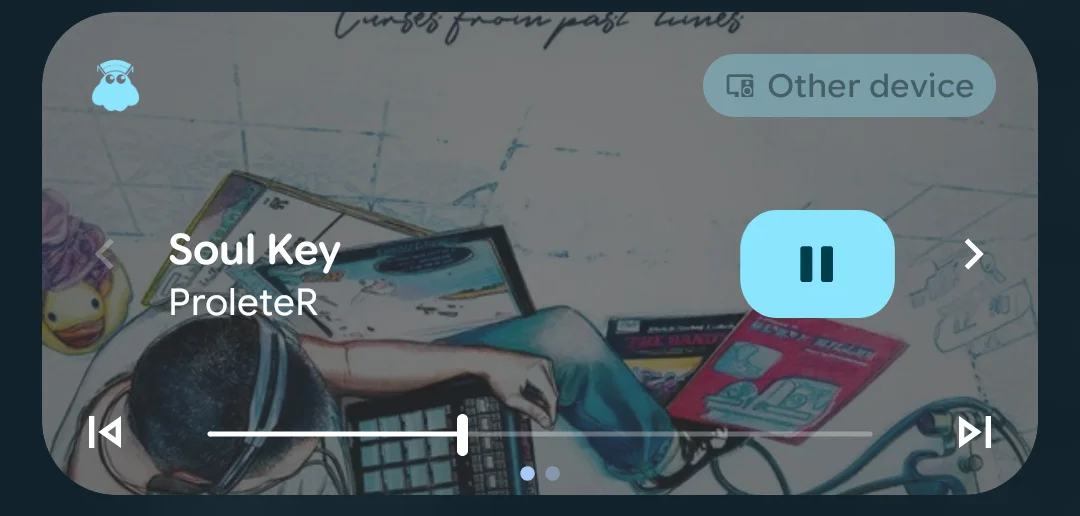
The app provides a media notification with:
- Track info and album art
- Playback controls (previous, play/pause, next)
- Seek bar for playback position
The notification is required for the background service that maintains the connection with MusicBee.
Widget
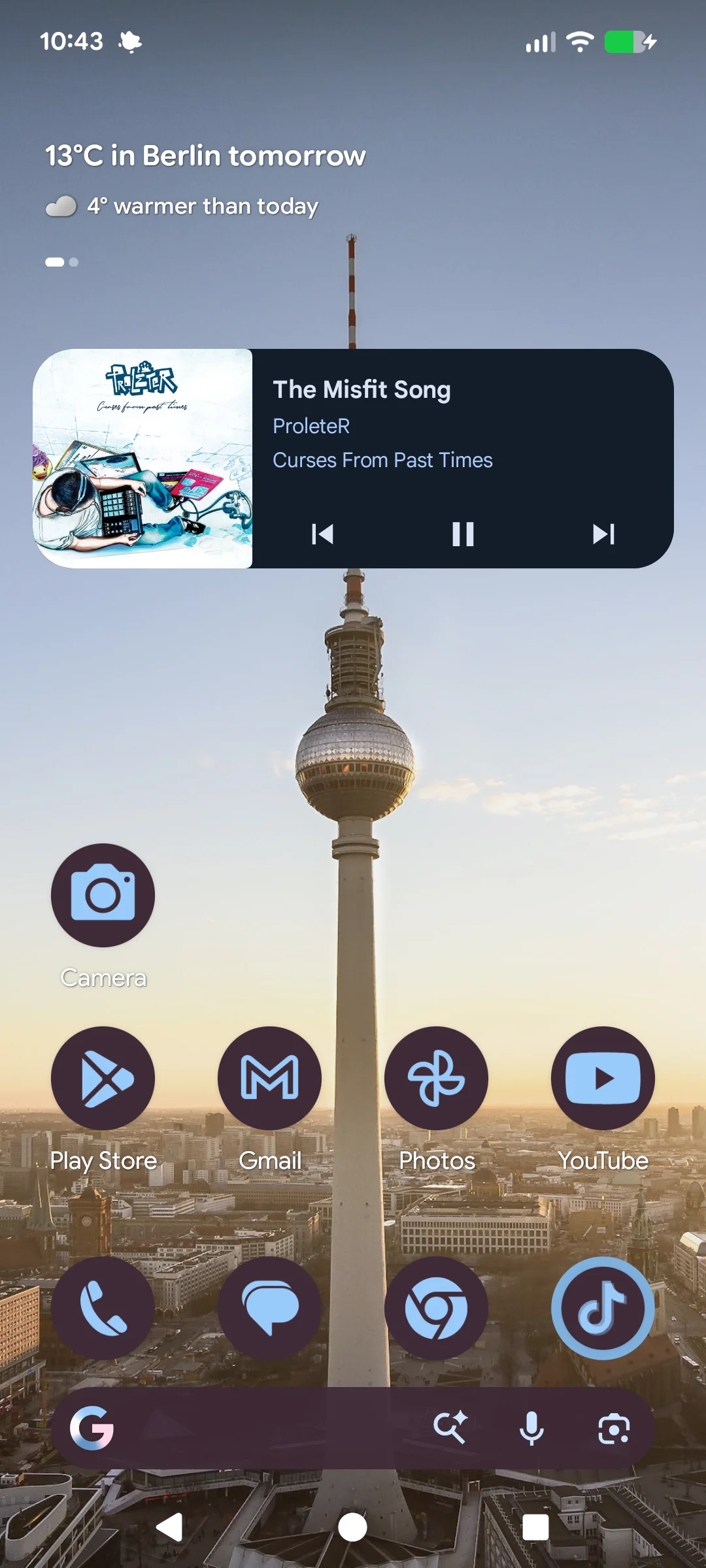
The app includes a resizable home screen widget for quick playback control without opening the app. It shows album art, track info, and playback controls. Long-press the widget to resize it.